Generate Images, Video & Audio in  ChatGPT
The best image, video, voice and music models in one ChatGPT plugin. Say what you need, check the credit cost, and refine it without leaving the chat.
Sign up on the website for 100 free credits to use in ChatGPT. Pay only for what you generate, no subscription.
ChatGPT CodexChatGPTCodex
 Nano Banana 2Nano Banana Pro
 GPT Image 2.5 Flare
 Seedream 5.5
 FLUX Kontext ProSoon
 Kling 4.0SoonSeedance 2.5
 Veo 3.1 Fast
 MiniMax H3 MaxSeedance 2.0 MiniMiniMax H3Soon
 Wan 3.0Gemini Omni Flash
 ElevenLabs v4MiniMax Speech 2.6 HDSoonGemini 3.8 Flash TTS
 Suno v6
 Topaz Image Upscale
 Recraft Remove Background
What will you create in ChatGPT?
Product shots, ad creatives, social posts and voiceovers: images, video and audio in ChatGPT, made and refined in one conversation.
Product launches
A hero shot, ad variations and a matching post from one brief in ChatGPT.

Email campaigns
On-brand headers for every send, made in ChatGPT and sized for the inbox.
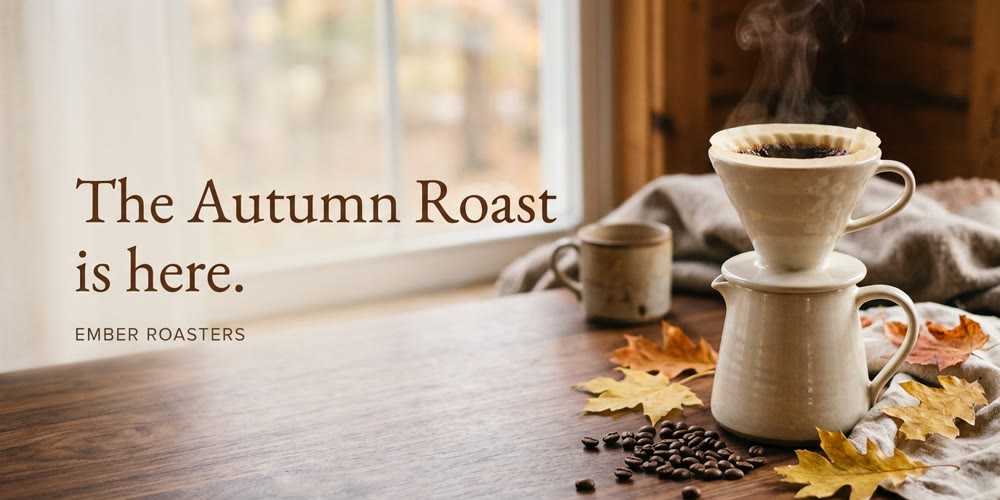
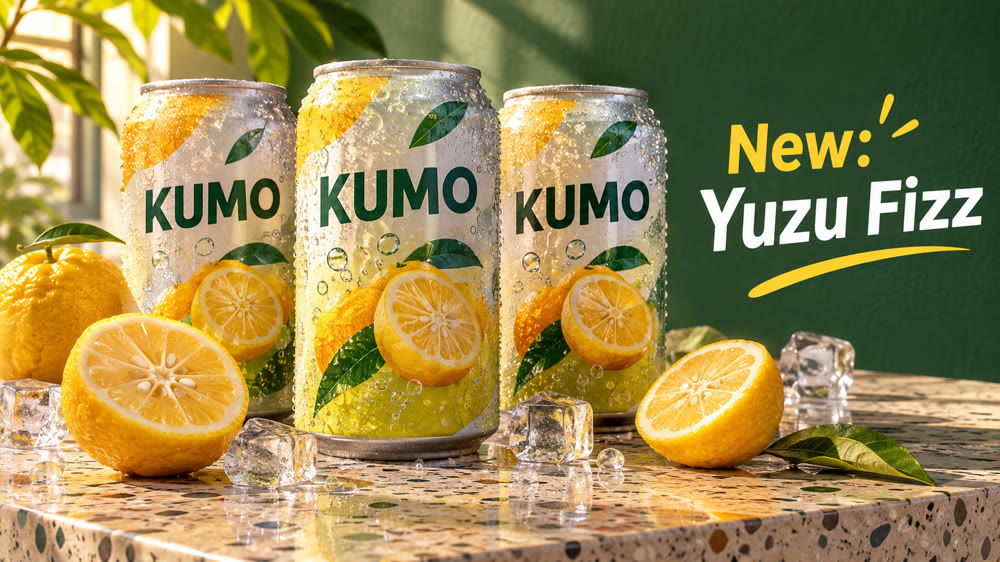
Ad creatives
Test more angles: new headlines, layouts and products in minutes.

Voiceovers
Natural voices for ads, explainers and podcasts; ElevenLabs lists 90+ languages for v4.
Short-form video
Vertical clips for Reels, TikTok and Shorts, and music to go with them, all made in ChatGPT.
Social posts
A week of posts in your brand colors, from one chat.
Product videos
Turn one product photo into a cinematic clip.
Logos & brand kits
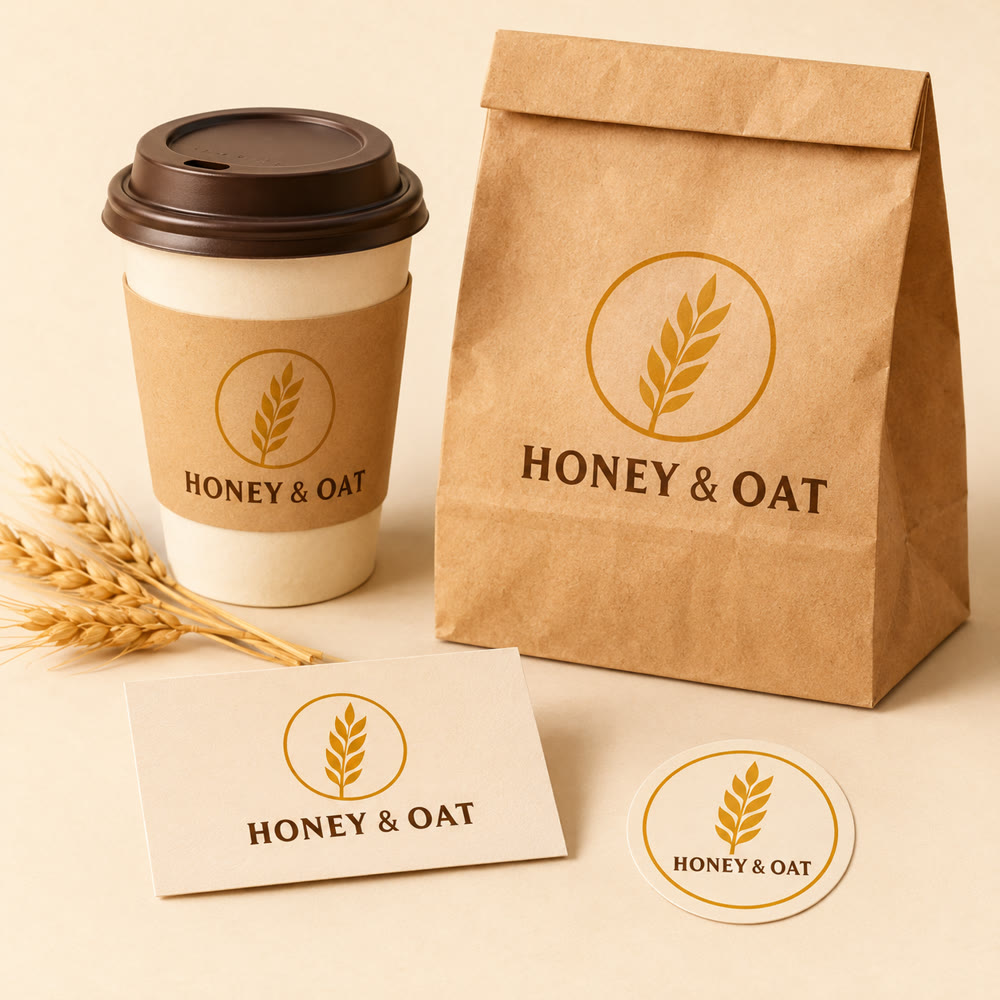
Logo ideas, mockups and a brand theme your later files follow.
Create a character once. Use them everywhere.
Save a face, a look and a voice once, then cast the same presenter in any ChatGPT chat: new pictures, clips and voiceovers for ads, demos and social posts. Give the presenter a line and they say it on camera, lips in time.
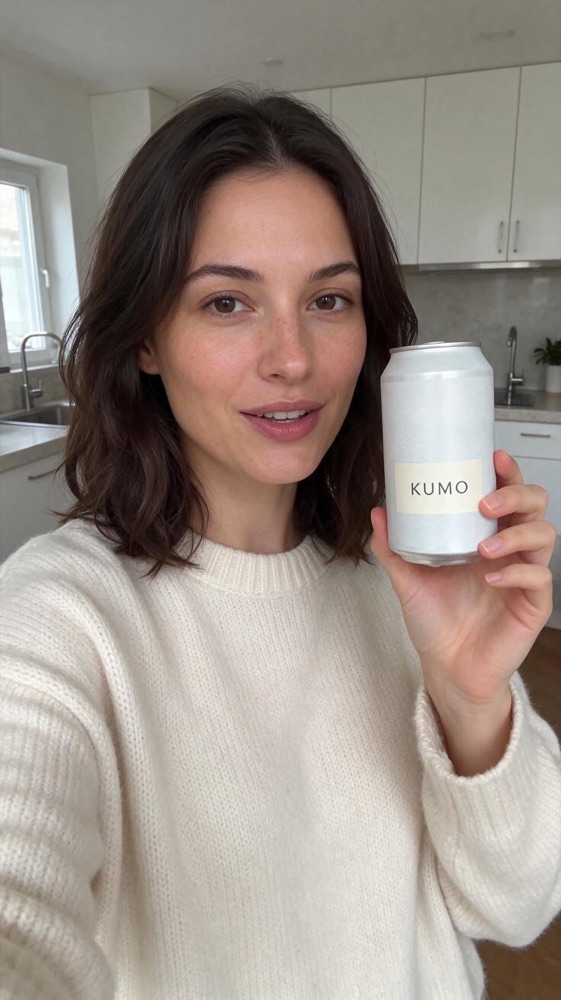
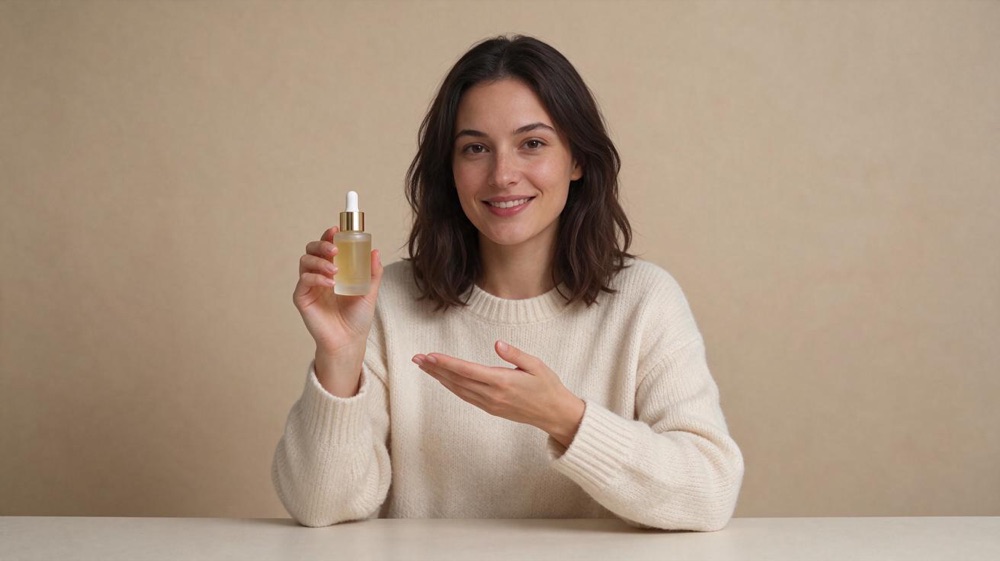
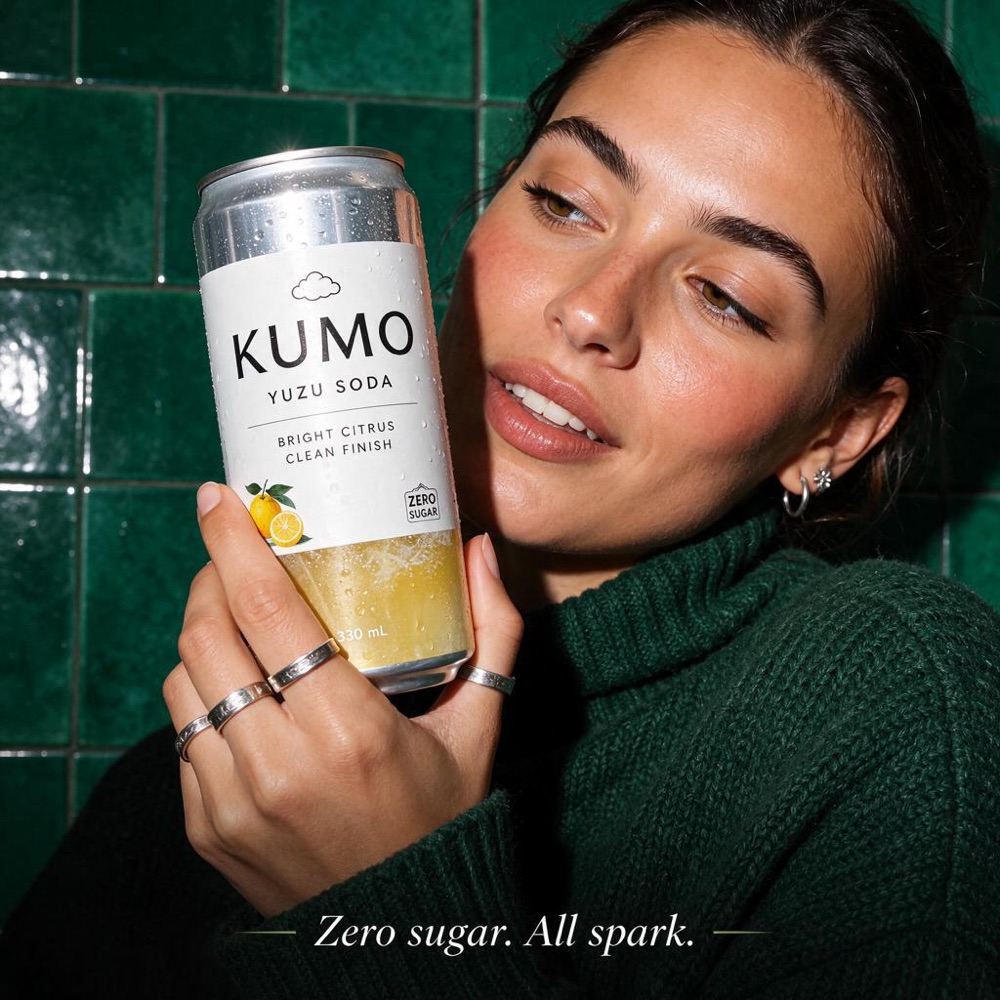
 UGC adSame face, new scene — Selfie-style ad for KUMO

Save her face, look and voice once, then ask for a new scene in any ChatGPT chat and she stays the same person. Give her a line and she says it on camera, lips in time.
How to use Idea to Wow in ChatGPT
Four steps, all inside ChatGPT — the chat you already use.
Also in CodexSame account, same creditsConnect in ChatGPT
Add the plugin from the ChatGPT app directory and sign in once. Codex works the same way.
Save your brand
Save your logo, colors, fonts and products once as a brand theme, and a face and a voice as a character. Branded images, clips and voiceovers you make in ChatGPT after that keep the same look.
Describe what you need
Ask ChatGPT in plain words, and ask for the models and the credit cost first if you like. Videos wait for your approval.
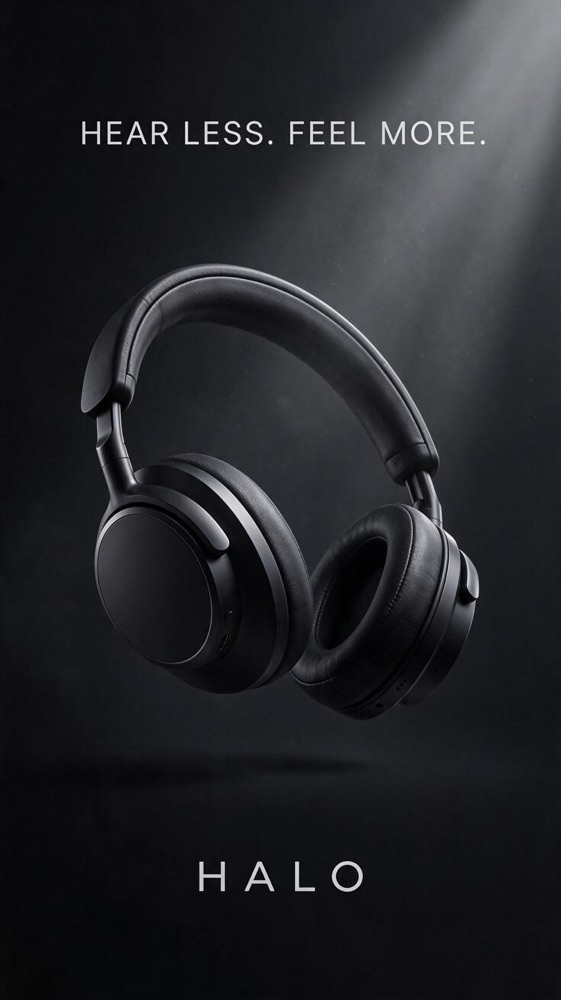
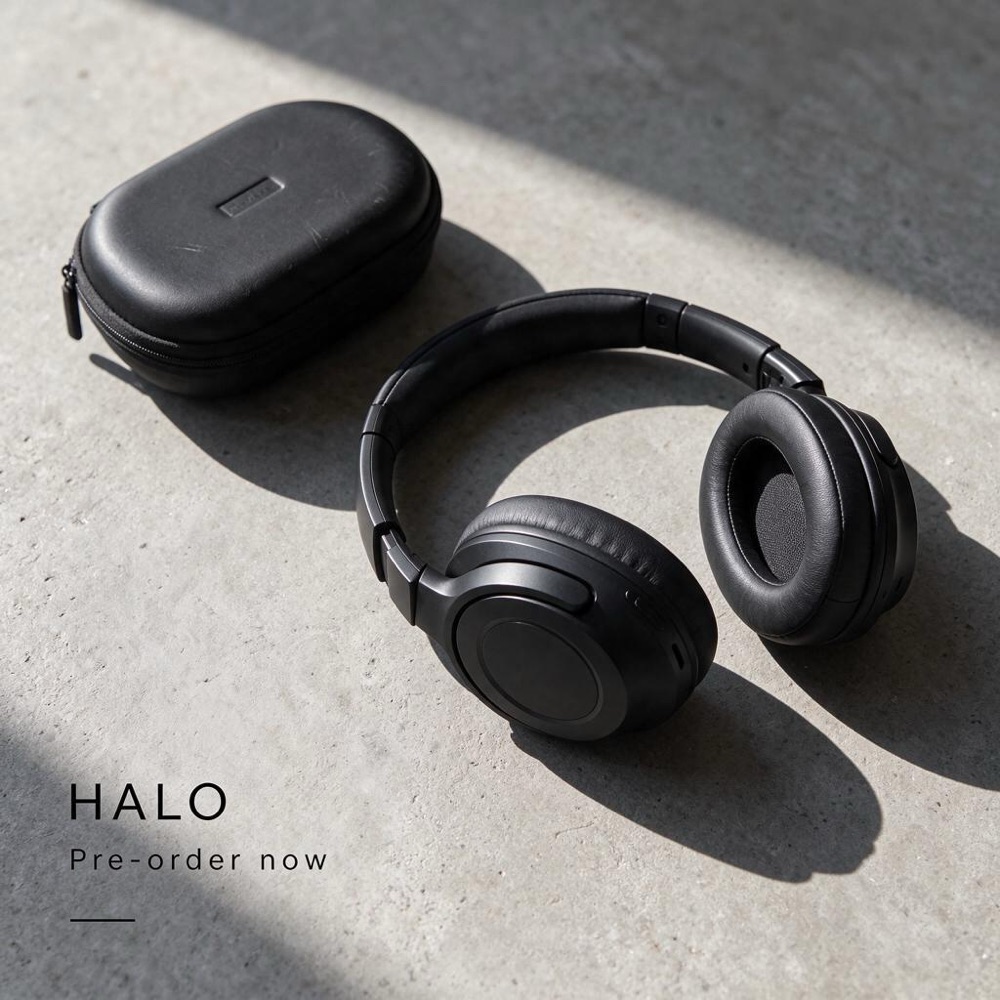
Pick and refine
Get variations, keep the best and ask for changes in the same ChatGPT conversation. Every file lands in your library.
Every top AI model, in ChatGPT
Let the plugin pick from a growing list of image, video, voice and music models in ChatGPT, or name one yourself. Nano Banana 2 for fast product edits, Seedance 2.5 for ads with sound, Veo 3.1 Fast for cinematic motion. Models marked Soon are on the way. One account, one balance.
ChatGPTCodex Nano Banana 2GPT Image 2.5 Flare
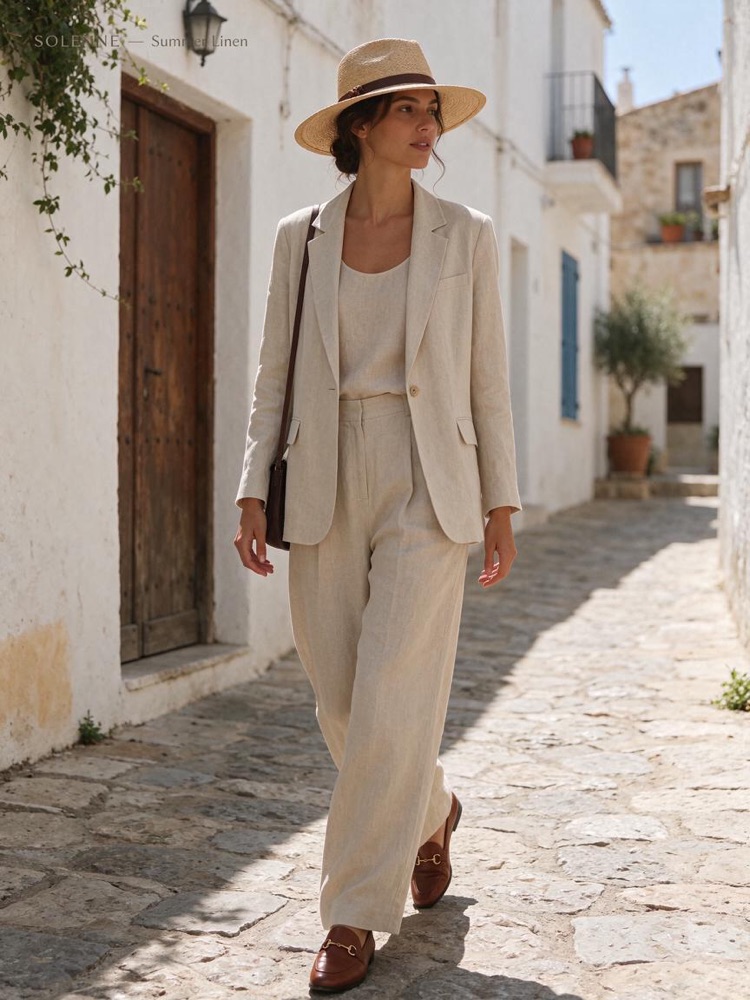 Seedream 5.5
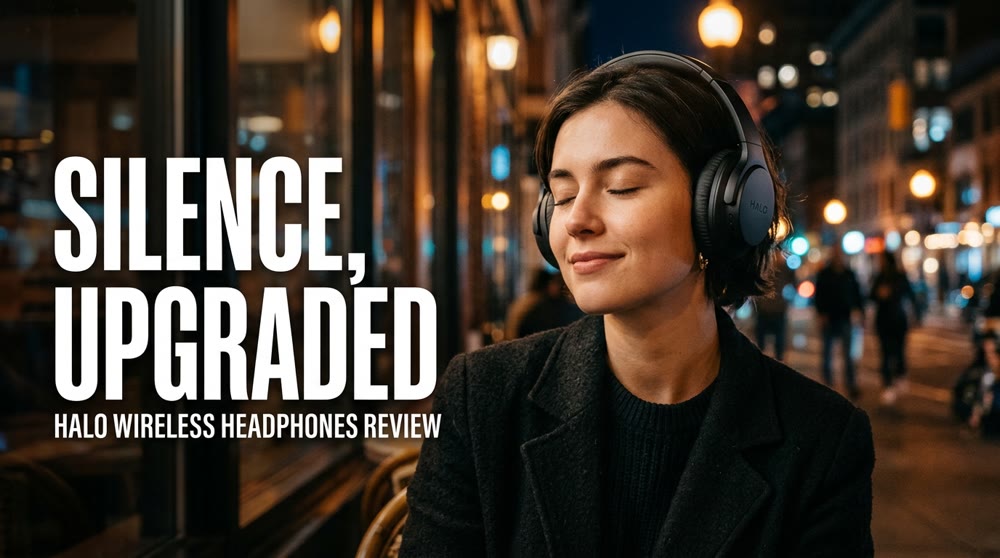 Nano Banana 2GPT Image 2.5 FlareSeedream 5.5Seedance 2.5
Why creators use Idea to Wow in ChatGPT
Ask the cost first
Ask in ChatGPT and you get the credit cost before a job starts. Videos wait for your approval by default.
Failed? Refunded
If a generation fails, the credits come back to your balance automatically.
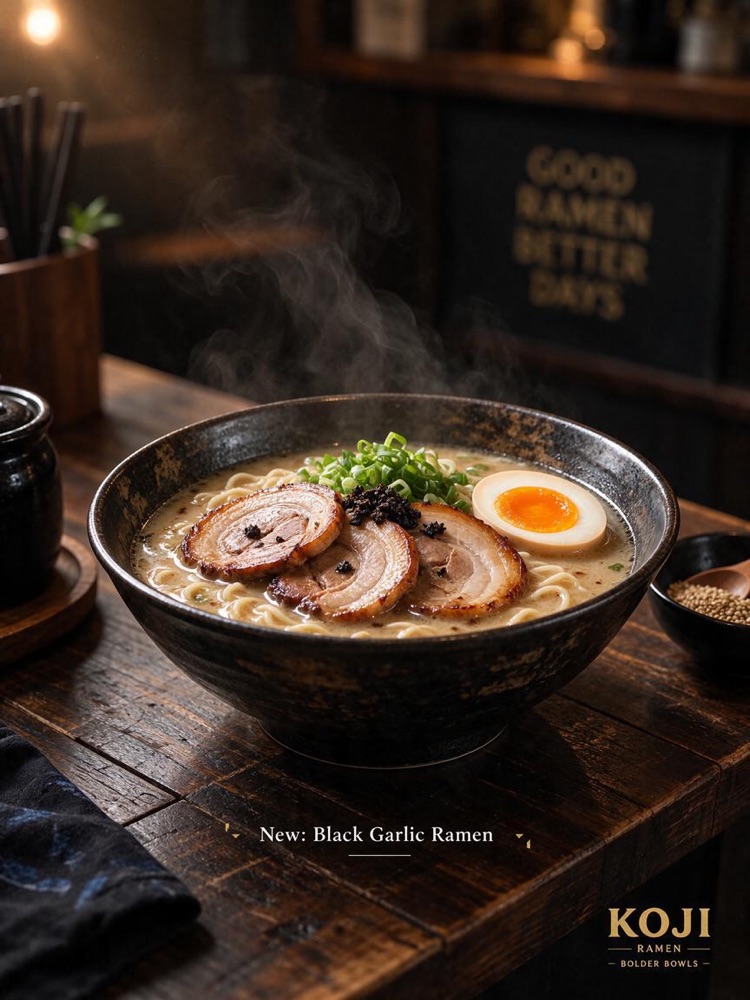
One library
Images, videos and audio from every ChatGPT chat, saved in one place you can search.
The right model, picked for you
Name a model, or let the plugin choose the best one for the job and budget.
No subscription. Credits never expire.
Buy credits when you need them and use them on any model. Top up from $10.
Pay only for what you create.
No seats and no subscription for images, video and audio in ChatGPT. Buy credits when you need them; they never expire.
$0.01 per credit. Top up whenever you need more.
What’s in the box
That’s $10. Here’s what you can make with it.
ReelThumbnailPostAlways on brand
Define your brand once as a theme: colors, fonts, logos, style notes and reference images. For branded work in ChatGPT, the theme is read and carried into every image and video, so the look stays the same.
Keep one theme per brand or client and set a default. Switch the kit off above to see the difference: same prompt, generic result.
How do I generate images, video and audio in ChatGPT?
Add Idea to Wow from the ChatGPT app directory, sign in, then ask for what you need in any ChatGPT chat — an image, a video clip, a voiceover or a song. The plugin picks a model, runs the job and returns the file in the ChatGPT conversation.
Can ChatGPT make videos?
Yes. With the plugin connected you can generate video in ChatGPT with models such as Seedance, Gemini Omni Flash and MiniMax H3 Max, from a text prompt or from your own product photo, and make a voiceover or music for it.
How much does Idea to Wow cost in ChatGPT?
You pay per generation with credits for images, video and audio in ChatGPT. There is no subscription and credits never expire. New accounts get 100 free credits, and you can ask what any job costs before it runs.
Which AI models can I use in ChatGPT?
Leading image, video, voice and music models, including Nano Banana, GPT Image, Seedream, Seedance, Gemini Omni Flash, Veo, MiniMax, Wan, ElevenLabs and Suno. More are coming soon, such as Kling 4.0.
What happens if a generation fails?
The credits for that job go straight back to your balance. You only pay for files you receive.
Can I keep my brand consistent?
Yes. Save a brand theme with your logo, colors, fonts, style notes and reference images, and set it as your default; for branded work ChatGPT reads it and carries it into each image and video. You can also save characters with a face, a look and a voice and call them by name in any ChatGPT chat.
Does it work in Codex too?
Yes. It works in Codex with the same account and credit balance as ChatGPT, so you can make assets while you build.
Ready to create in ChatGPT?
Start with 100 free credits and make your first images, video and audio in ChatGPT in under a minute.